Top 5 VidMate Problems Solved: Easy Fixes Every User Should Know
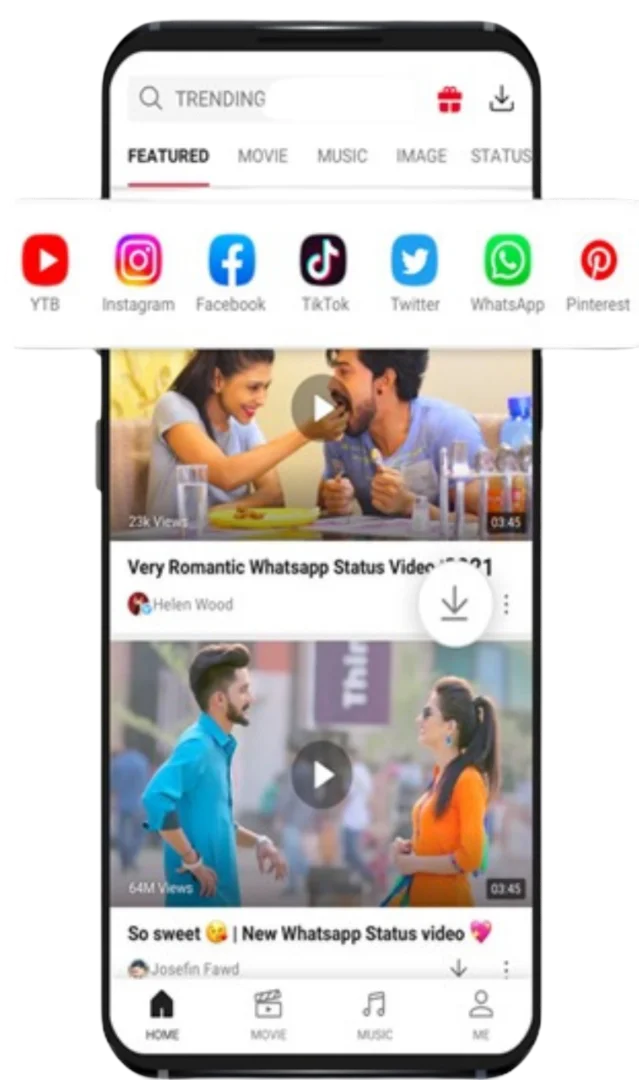
VidMate is a popular app for downloading videos, music, and other media directly to mobile devices. It lets users save videos for offline viewing, download songs, and manage their entertainment library all in one place. These features have attracted millions of users worldwide.
Like any app, VidMate users may encounter issues such as downloads not starting, crashes, or videos not playing. Most are common and can be fixed quickly with simple solutions.
In this article, we will discuss the top 5 VidMate problems and their solutions. Each section will address a specific issue, helping users move seamlessly from one challenge to the next to ensure smooth downloads and uninterrupted media access.
1. VidMate Not Downloading Videos
VidMate sometimes fails to start downloading a video after you press the download button.
This usually happens due to an unstable internet connection, outdated app versions, or platform restrictions.
How to fix this problem
Switch to Wi-Fi or mobile data if downloads fail.
Update VidMate in your app store.
Clear VidMate's cache from settings.
After trying these fixes, most users find VidMate’s download feature works normally again. If downloads still fail or new issues arise, such as app crashes, continue to the next section, where we address app stability and resolve crashing problems.
2. VidMate App Crashing Frequently
VidMate crashes or unexpectedly closes while users are browsing or downloading content.
This can be frustrating.
Why this happens
There are several possible reasons behind this issue:
· The device may not have enough storage or memory.
· The app version may be outdated.
· Too many background apps may be running.
When phone resources are overloaded, apps can become unstable and close automatically.
How to solve it
Close background apps to free up memory.
Delete unused files to free storage.
Updating the app can also resolve crashes.
Once these steps are applied, VidMate usually stops crashing and functions more reliably. If you continue to experience problems, especially slow download speeds, transition to the next section for strategies to boost your download performance.
3. Slow Download Speed in VidMate
VidMate often delivers slower downloads than expected, frustrating users even with a strong internet connection.
Possible causes
Slow downloading can occur for several reasons, including:
· Weak internet signal
· Server limitations from the video source
· Too many downloads are running simultaneously.
Slow downloads are mainly due to network or platform limits.
Ways to improve download speed
Limit active downloads for better speed.
Use stable Wi-Fi for faster downloads.
Pick lower resolutions, like 480p, to speed up downloads.
By making these adjustments, users often experience faster downloads. If your files download but won’t play, proceed to the upcoming section to learn how to resolve common video playback issues.
4. VidMate Videos Not Playing After Download
Downloaded videos may not play or display correctly in VidMate.
This often occurs due to incompatible formats or incomplete downloads.
Why downloaded videos fail to play
Certain videos are encoded in formats that some media players cannot read. In other cases, if a download was interrupted due to network issues, the video file may become incomplete.
If so, the video won’t play.
How to fix the playback issue
Delete and fully re-download videos.
Try playing the video in VidMate.
Clear VidMate’s cache if playback fails.
With these steps, most users quickly resolve playback issues. If you encounter difficulties installing VidMate, continue to the next section for clear solutions to help you get the app running smoothly.
5. VidMate Installation Problems
VidMate sometimes fails to install on devices, especially when not from official app stores.
Common installation errors
Users may see messages such as:
· App not installed
· Installation blocked
· Package file invalid
These errors usually happen due to device security settings or corrupted installation files.
How to fix installation issues
Enable third-party installs and use a complete install file.
Also, check your storage space: in Settings, select Storage and remove unnecessary files if needed. Insufficient space can prevent VidMate from installing properly. Once you’ve completed these steps, installation usually succeeds. To further minimize future issues, proceed to the next section for ongoing prevention tips.
Tips to Avoid VidMate Problems in the Future
Most VidMate issues are easy to fix, but a few steps can help prevent them.
Keep VidMate updated.
Updates fix bugs and improve performance; install regularly to reduce errors.
Maintain enough storage space.
Freeing space helps VidMate run smoothly.
Clear the cache occasionally.
Clear the cache regularly for smooth performance.
Why VidMate Remains Popular Despite These Issues
Despite minor technical issues, VidMate stays popular for many reasons.
VidMate lets users store favourite videos and music on their device for offline use. It supports many platforms and offers various resolutions, so users can pick the quality that suits their needs.
Additionally, VidMate offers a built-in media player and download manager that helps organize downloaded files easily. These features make it a convenient tool for people who prefer managing their media collection on their smartphones.
Most minor issues are quickly fixed with these solutions. For a consistently smooth VidMate experience, proactively apply these tips. As we conclude, the next section summarizes the guide's primary takeaways.
Final Thoughts
VidMate is a powerful tool for media downloads and management, but it may experience issues such as failed downloads, slow speeds, crashes, playback errors, or installation difficulties.
Most problems are resolved by updating, clearing the cache, improving connectivity, or freeing storage.
Understanding these solutions allows users to quickly troubleshoot issues and continue enjoying their favourite videos and music without interruption.
Keeping the app and device up to date ensures smooth performance.
Related Blogs
How to Download VidMate APK
IntroductionVidMate is a popular application for Android users to download videos, music, and other...
Read More
Top 10 Features of VidMate: A Complete Guide for Media Lovers
Our digital media consumption has shifted from traditional TV and radio to streaming and downloading...
Read More
How to Download MP4 Videos Using VidMate (Complete Guide)
IntroductionVidMate is one of the most popular Android apps for downloading videos and other media ...
Read More